0.1.0
- Initial release: per-page rules, shared rule sets, monitor mode, decision log.
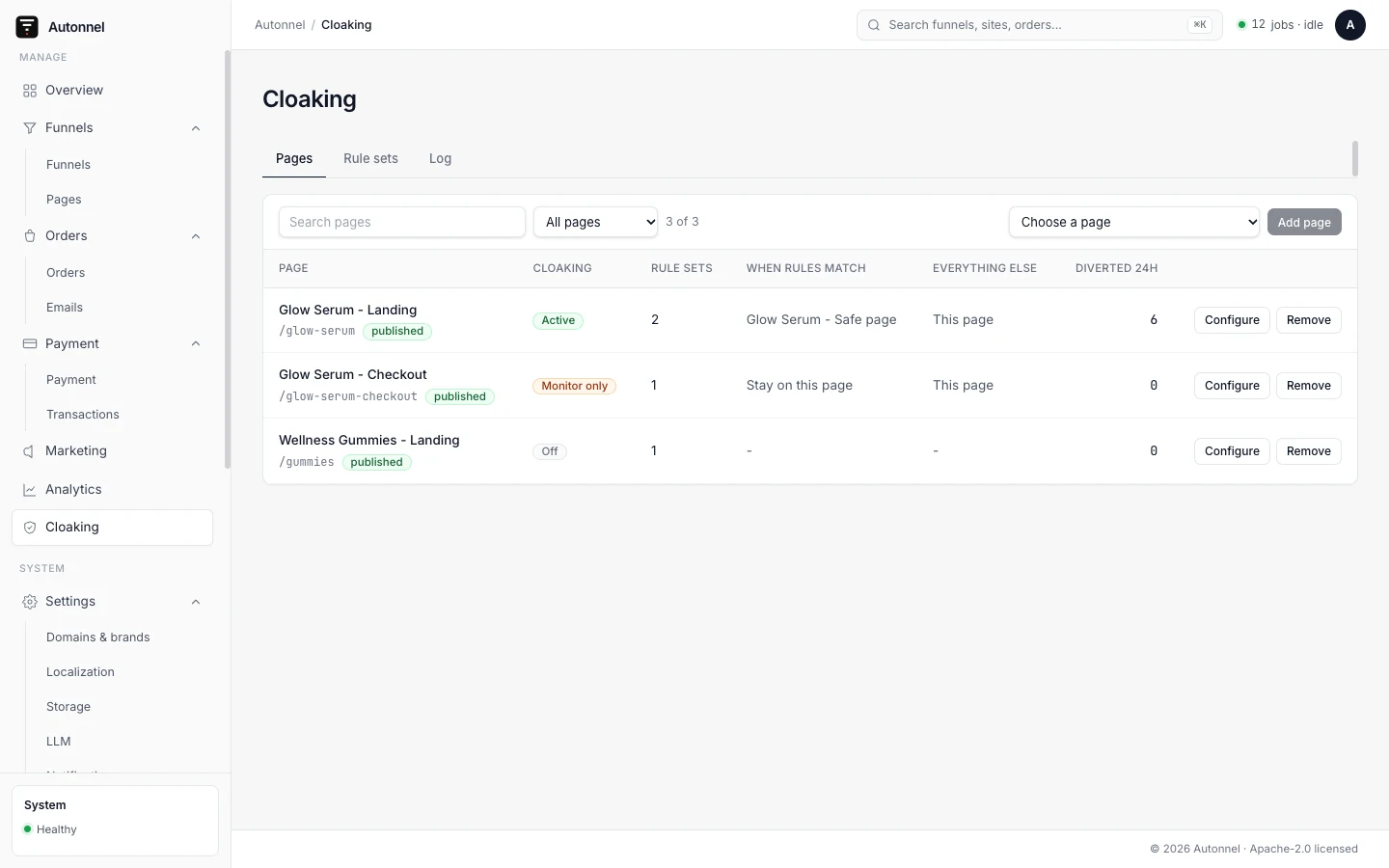
The Traffic Cloaking plugin decides, per page, whether a visitor sees the page itself, another published page or an external https URL. The decision is made from rules you write, and every diversion is logged.
It adds a Cloaking menu to the admin sidebar with three parts: pages that have a config, shared rule sets, and a decision log.
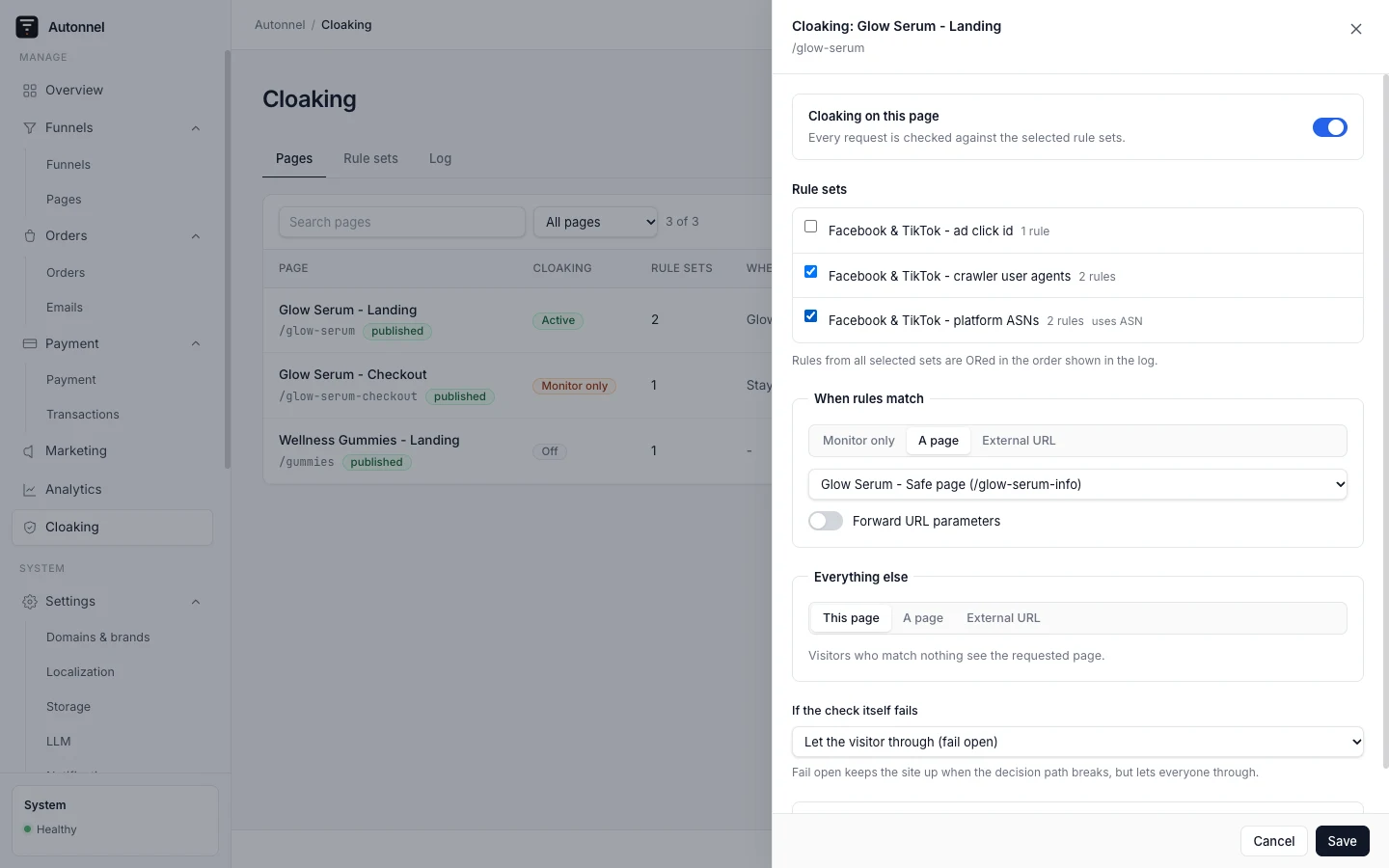
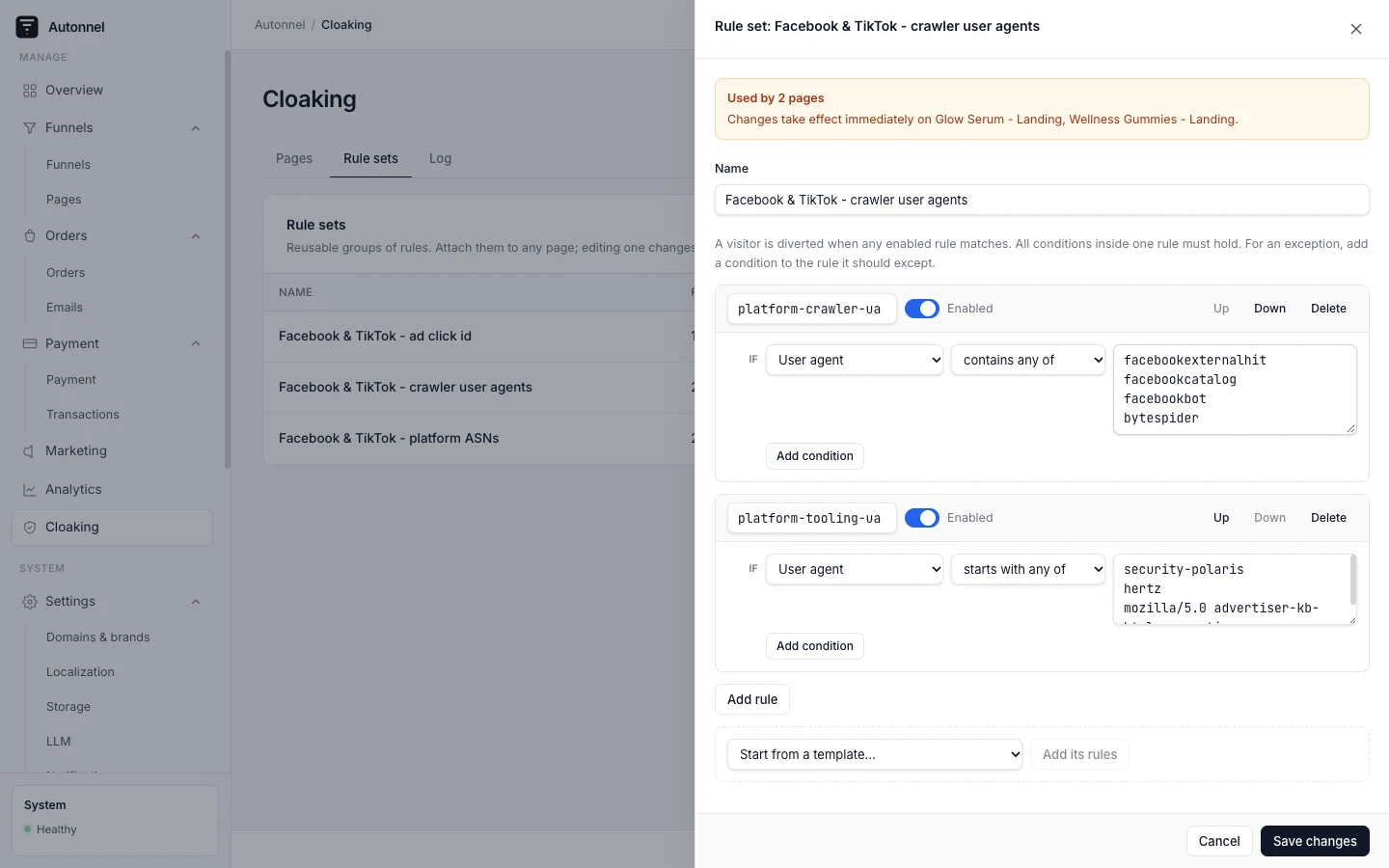
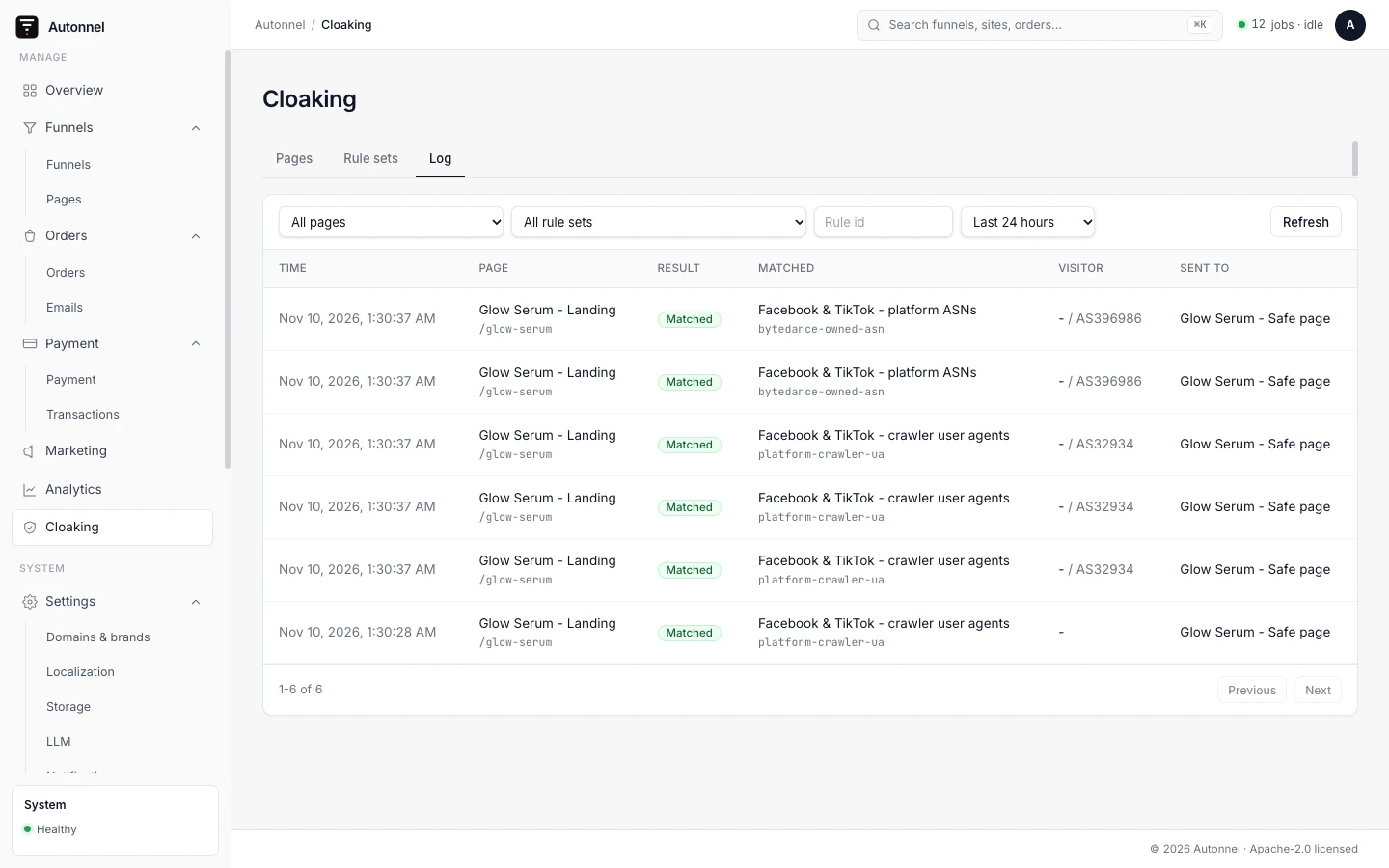
Screenshots are the plugin running in a fresh Autonnel admin with sample pages. The diversions in the log were produced by real requests to those pages, using the starter rule sets. Page names, domains and traffic are fictional.
After purchase, install with the CLI (see CLI install):
npx autonnel install @autonnel/plugin-cloakingThen register it in astro.config:
import { cloakingPlugin } from '@autonnel/plugin-cloaking';

autonnel({ plugins: [cloakingPlugin()] })
Run pnpm db:push, grant the cloaking permissions to the roles that need them, then open Cloaking in the sidebar and add a page.
On a Cloudflare Worker deployment it is read from request.cf.asn, which the runtime sets. Elsewhere it comes from the zx-ipasn request header, which a Cloudflare Transform Rule must write on every zone and which is trusted only together with cf-ray. The console warns when a host has neither.
No. An external destination is answered before the page renders, so no client-side tracking runs for those visitors. Parameters are forwarded to the target when forwarding is on, which is the only attribution that survives the hop.
No. There is no proxy mode; the visitor is redirected to the destination.
It fails open and the visitor sees the page, unless the page sets onError to divert.